Template · ZIP · 19 KB
The Client Report Kit
A checked client report draft, with every gap and conflict flagged before the client sees it.
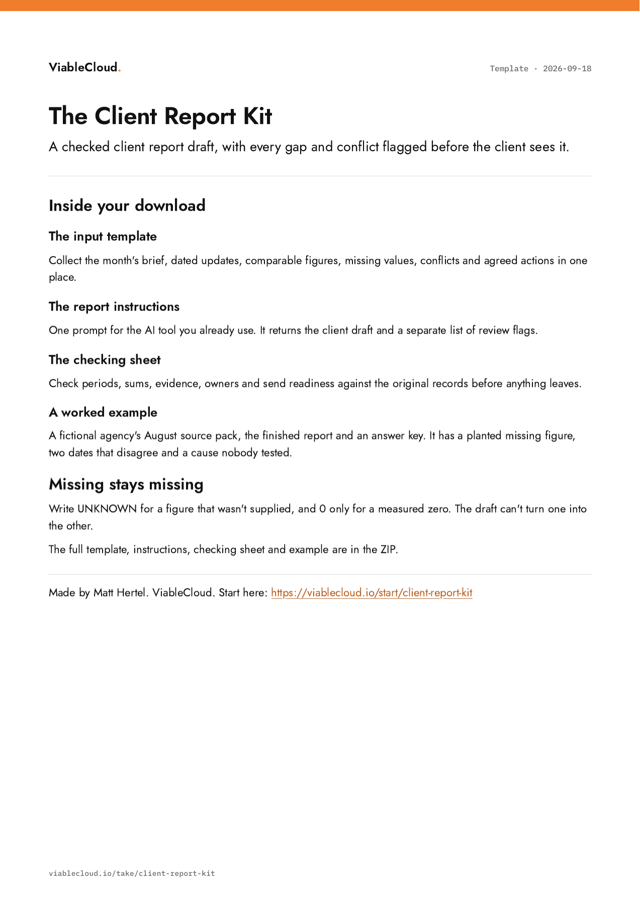
An input template, reusable report instructions, a checking sheet and a fully worked fictional example in one ZIP.
The first part is open below. The download adds: put the kit to work.
Free. The link shows here and lands in your inbox. Nothing else.
What's inside
- An input template for the month's updates, figures, gaps and conflicts
- Reusable report instructions that return a draft plus separate review flags
- A checking sheet for periods, sums, evidence, owners and send readiness
- A fictional source pack with a planted missing figure, a conflict and an unproven cause
- The completed fictional report, with an answer key for what the review should catch
Friday afternoon shouldn't belong to the client report
Read the monthly client report example to see checked figures become a draft. It shows what to leave out when the evidence does not support a claim.
The tedious bit is trying to draft while a few figures are missing and two of the notes don't agree.
It's tempting to paste the lot into AI and ask it to draft the report. Do that before the records are sorted, and a missing number or a disputed date can come back reading like fact.
Try this instead. Get the month's updates and figures in one place first. Write down what's missing as missing, and note where two records don't agree. Then ask your AI tool for two things back: the draft, and a separate list of what it couldn't back up.
- A figure that should exist but wasn't supplied: write UNKNOWN. Write 0 only for a measured zero.
- Two records that disagree: both versions go on the list. The tool doesn't get to pick the tidier one.
- A "because" the records don't prove: it stays a guess, or it comes out.
When the draft and the list come back, check them against the original records yourself. Redo the sums that matter. If there's still a gap or a conflict, take it to whoever owns the source. Then you decide what reaches the client.
If you're still choosing which job to give AI first, use the Job Picker.
Still to come, in the download
- Put the kit to work
Free. The link shows here and lands in your inbox. Nothing else.
Who's behind it

Matt Hertel. An engineer who has also run the company. Built and sold apps solo. Fractional CTO in startups. Every Sunday, one job start to finish, in No Manual Yet.
Every Sunday, one job start to finish. Read No Manual Yet
More to take
- Next Job Skill helper
Turn one recurring job into a shared skill, test it on fresh work and keep what the result actually teaches you.
- Make the next attempt easier.
One recurring job. One shared skill. One fresh test that makes it better.
- The standup is the update
Record your standup once. Let AI update the board, team notes and Slack. Only step in when something is ambiguous.