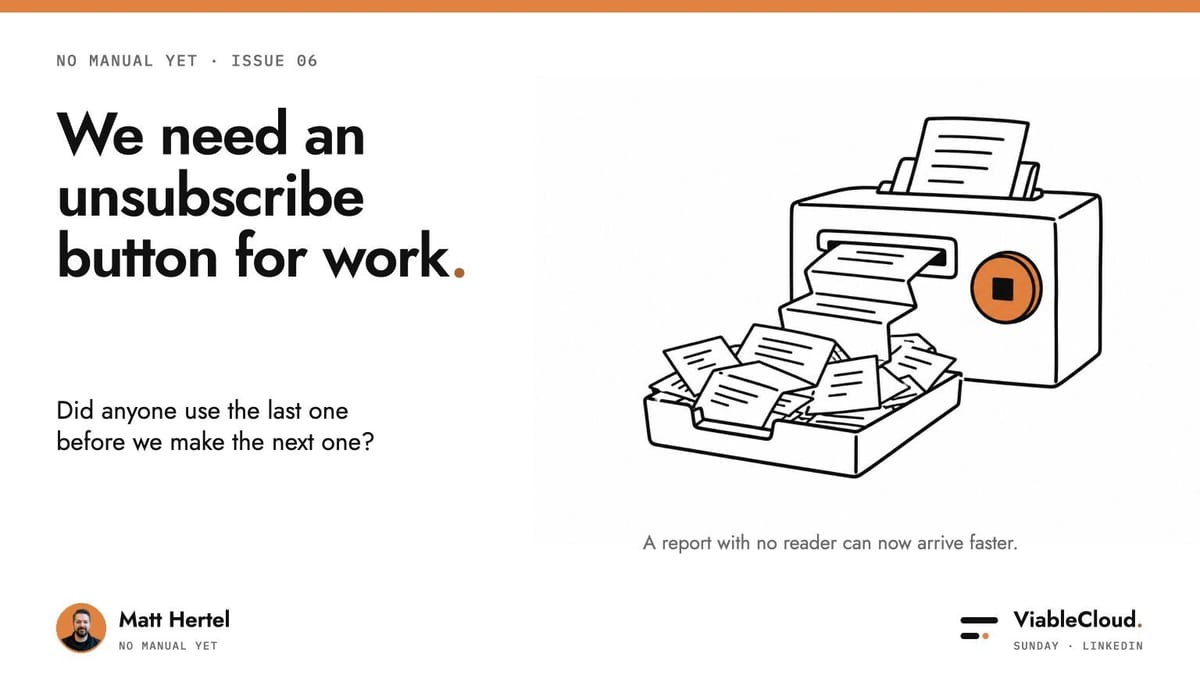
We need an unsubscribe button for work.
Pick a job to try this on: the Job Picker ranks your repeated jobs.
I spent another week on LinkedIn talking about all the time AI is supposed to save us.
During that very important research, I talked about the many products I'd tried to make slides with. I still ended up back in Google Slides editing everything.
An excellent advert for my judgement.
I used many tools and stitched the output together. The editing still belonged to me.
Elsewhere, quite a few people were talking about the time AI saved them. The next obvious question is:
Where did all the saved time go?
So I started looking at what happened after the AI finished.
Three things stood out
- The cleanup survives. Someone still fixes the slides or explains the missing context.
- More output creates more reviewing. Somebody has to read, watch or compare those extra versions.
- Measurement stops early. We count completed drafts. The waiting and fixing that follow often go unmentioned.
Let's go!
Five tools. Still editing the slides.
A couple of months ago (3.14 centuries in AI time), I wanted AI to make slides for me.
I obviously tried every single tool out there to make this as agentic as possible. My slide-tool collection was solving parts of a job I still had to finish.
As I said in the conversation, my eventual answer was to adopt the concept of DESIGN.md.
With that, I created a skill to make slides that follow my brand.
Google published a specification for DESIGN.md, and it's super clever.
The file holds the fonts, colours, spacing and layouts. The skill tells Claude how to use them for the next presentation.
Somebody gave a style guide an uppercase name and a file extension. We do enjoy making things sound complicated.
You can correct a design decision once and save it. The next deck has more to follow than "make this look professional" or "no, no, those aren't our colours".
You still check the result. The same formatting decisions shouldn't require a fresh conversation every time.
Elsewhere, the leftover work had more at stake than my slide margins.
85% resolution is amazing. But what happened to the other 15%?
In one support conversation, a builder reported that his system resolved 85% of enquiries without a person.
Taking away easy questions could leave the team more time for difficult ones. I asked whether the wait had come down for the other 15% too.
The answer was honest: they'd measured how many enquiries avoided a human, and response time. They had no before-and-after comparison for the enquiries that reached a person.
The conversation history went with the handoff. That could save the customer from explaining everything again. But I would split the clock in two:
- Waiting for a person. How long until someone picks it up?
- Getting the problem solved. How long after that?
Passing the history along could improve the second while leaving the first untouched. We didn't have the evidence to tell.
It's easy to let metrics distract us from the original problem.
Keep measuring the pain you wanted to remove.
If customers waited too long, check whether they wait less. A convincing result can end one desk too early.
We need an unsubscribe button for work.
A report with no reader can now arrive much faster.
Under Pascal Bornet's post, I wrote:
We need an unsubscribe button for work. A report with no reader, a recommendation with no decision, another update nobody asked for. Could the agent check whether the last output was used before it produces the next one?
Automating stuff has never been easier. But when everything is automatically generated, do we still bother reading it?
Did anyone use yesterday's version? That seems worth knowing before we make tomorrow's.
If nobody reads the report, it's a waste of time and money.
We've covered a lot.
Keep the judgement that protects customers. Save the design correction. Stop the report nobody needs.
Now the main event.
What you can implement by Friday
Upload a presentation you already like to Claude and ask it to learn the design.
Instead of losing your mind over which slide-building product has the best marketing team, try this.
Use a deck you're allowed to upload (please, this is very important). Remove private client information (again, PLEASE do this). An editable PowerPoint or a PDF works as a reference. Enable Claude's code execution and file creation.
Ask for DESIGN.md, then give it fresh content for three test slides. Correct those before making a whole deck.
With a skill and DESIGN.md, you can save reusable corrections while keeping one-off changes separate.
For example: "Use this spacing on every title slide" belongs in the rules. "Shorten this heading" might be a one-off.
Once you're happy with the samples, ask Claude to package the design rules as a skill. Add the finished skill to Claude. Try different content in a fresh conversation.
After a couple of iterations, try making the whole deck from scratch. If it looks as good as the original or better, you've got a winner.
I've made a one-page PDF with the prompt and a Make My Slide Skill helper to walk you through it. Use the prompt on its own or take the helping hand.
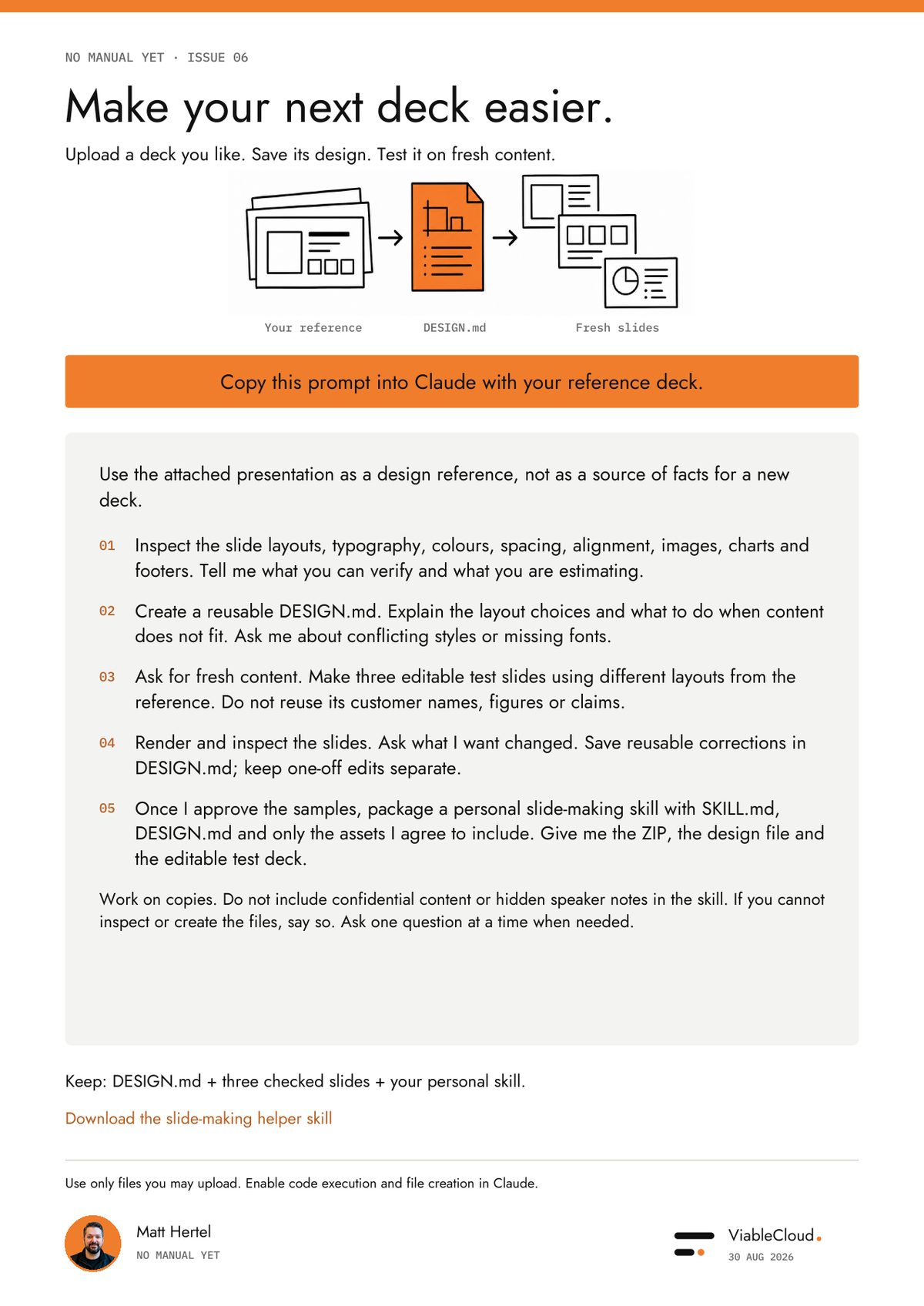
By Friday, aim for one design file, three checked slides and a skill you can reuse.
If it worked for you, please reach out and let me know. If it didn't, let me know too. I'd love to help you figure it out.
No manual yet
AI can give us fewer things to do after it finishes.
Less repeating the brief. Less fixing the same mistake. Less waiting for somebody who's reading something nobody needed.
The faster draft gets more useful when the person receiving it has less work left.
I'm still ridiculously excited about what we can build now.
I would just like Google Slides to have less to do at the end.
You survived another week in this strange new world AND another one of my articles. Amazing!
Over to you now: what do you still fix by hand after the AI says it's finished?
Take it with you
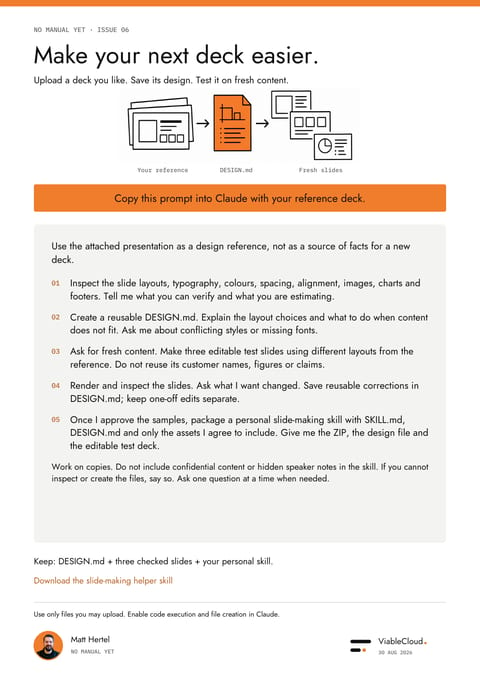
The one-page prompt from this issue: turn a deck you like into DESIGN.md, three checked slides and a personal slide-making skill.
PDF · 909 KB
Guides you through the process in Claude and creates a personal slide-making skill from a deck you like.
ZIP · 8 KB